

Product Release Newsletter: February 2026
Join hundreds of companies and start your identity governance journey today
Boosting Identity Governance: Reporting, Audit-Readiness, and Unified Visibility

Our February updates introduce powerful ROI dashboards, device report updates, and expanded data integrations designed to transform how you visualize, manage, and prove the value of your IT operations. Let’s dive in.
New Feature Releases
New Dashboard ROI Metrics
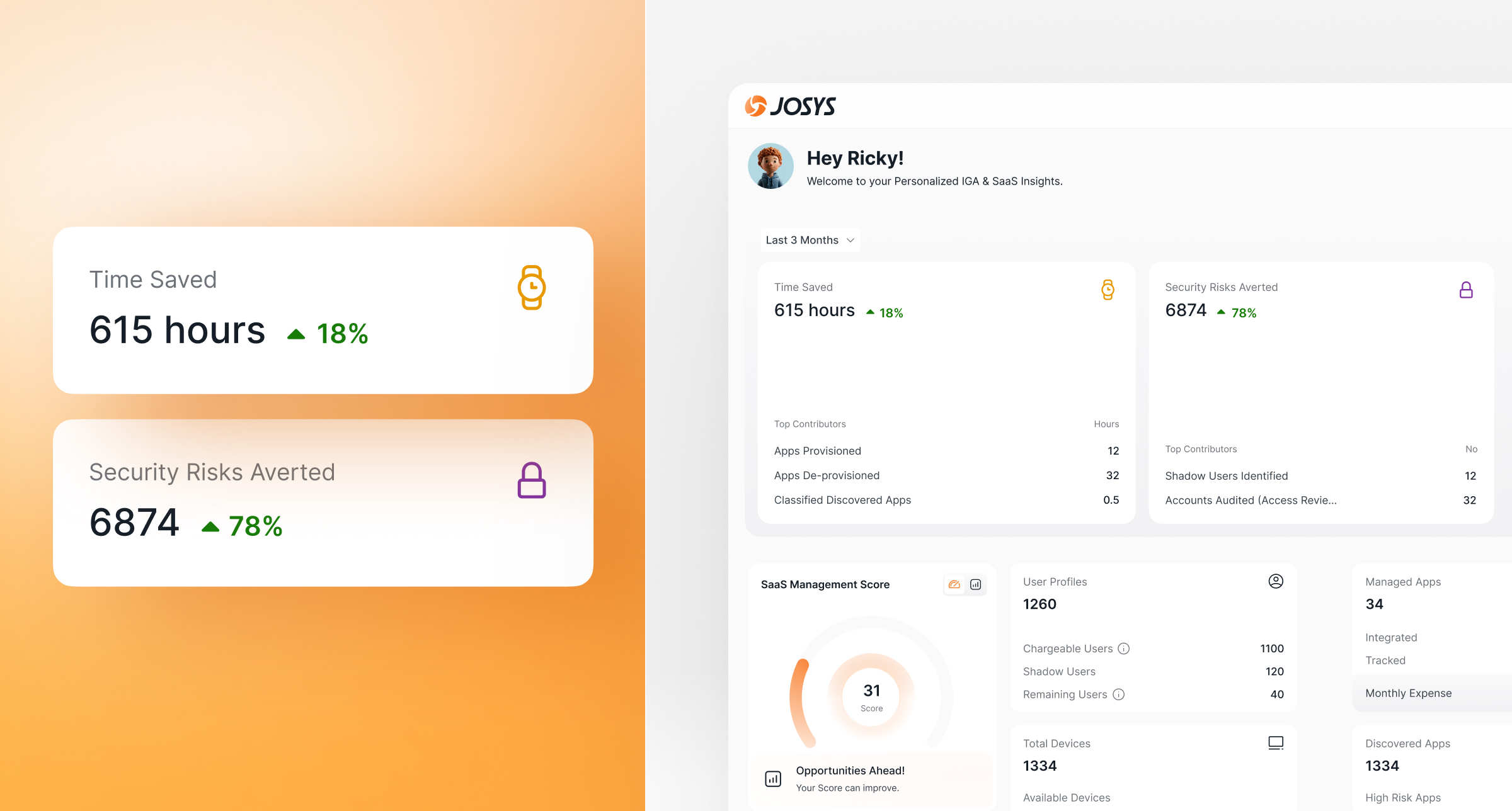
The new ‘Dashboard’ experience gives you an instant snapshot of the metrics that matter most - Overall Time Saved and Security Risks Averted.
You can now quickly see the impact of your governance actions, then drill down to understand what’s driving results:
- Overall Time Saved: Calculates the time saved from automated provisioning, access reviews, and app discovery
- Security Risks Averted: Calculates the number of shadow users detected and accounts reviewed
Additionally, the dashboard provides key operational insights at a glance:
- Key metrics like User Profiles, Managed Apps, Discovered Apps, and Total Devices
- SaaS Management Score that measures your SaaS efficiency and identity security posture, with targeted recommendations to improve it.
The new Dashboard helps IT admins and MSPs showcase value, prioritize risks, and deliver outcomes at pace.
Feature Enhancements
Device Usage Reports
.jpg)
Keeping track of device allocation just got easier. The Device Overview tab provides a bird’s-eye view of devices across your organization, including in-use, available, and decommissioned devices. Filter by OS or user attributes like department and work location to quickly spot trends, identify gaps, and make smarter decisions. Easily export these views into a structured CSV in seconds.
Access Assignee details & export custom views from Device Listing page
.jpg)
Managing assets just got more comprehensive and easier. The Device Listing page now includes the assignee’s name, department, and work location, giving IT admins better visibility into device distribution across teams and sites.
Additional enhancements include:
- Filter by the new assignee field
- Export your filtered view into a CSV report
- Include assignee attributes in exports
Whether you’re preparing for audits, reviewing department-level allocations, or generating location-specific device inventories, Josys device management delivers the precision and speed your IT operations demand.
New User Profile & Device Data Sources Added
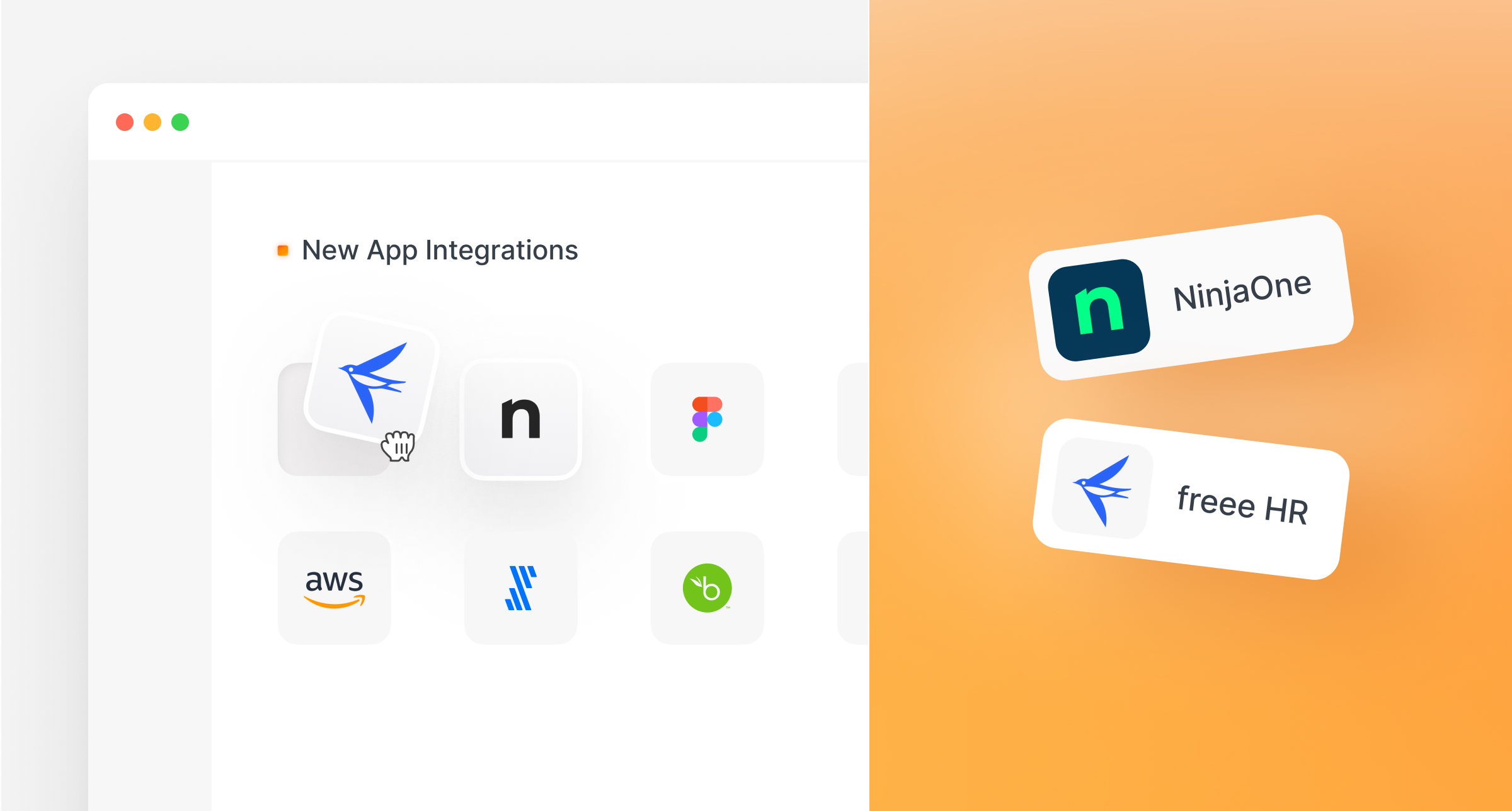
- freee HR as an external user profile data source - You can now configure freee HR as a primary source of user profiles in Josys, ensuring centralized visibility for your identities.
- NinjaOne as an external device data source - With this integration, you can now sync device data hosted on NinjaOne MDM directly into Josys based on their configuration, gaining immediate, centralized visibility. The integration also unlocks richer device attributes for better context and decision-making, while flexible sync settings ensure everything aligns with your operational and security needs.
Explore these new features, and please share your feedback. It helps us bring you a better Josys experience, continuously.
over your identities, applications, and files?
Sign-up for a 14-day free trial and transform your IT operations.




Questions? Answers.



What is Josys?

End-to-End Identity
Governance made easy for IT


